
How to read Base44 updates when your app feels stuck
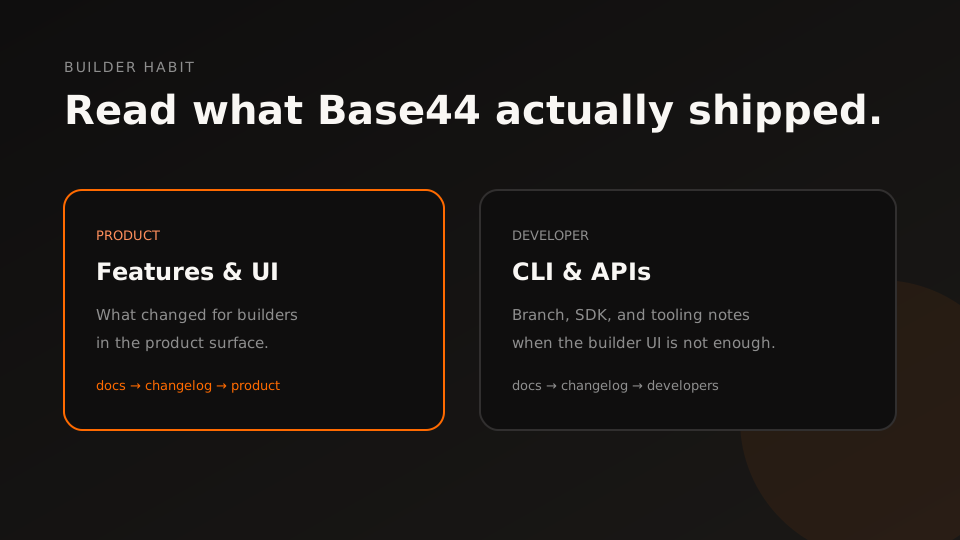
When an app feels stuck after “something changed,” read what Base44 actually published. Do not invent a phantom release note.
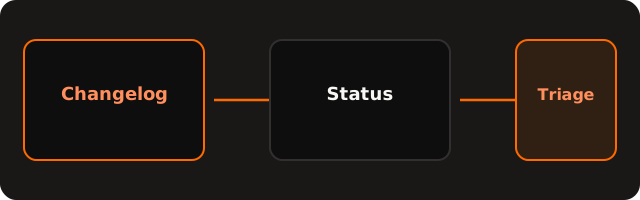
A builder habit
- Skim the product changelog for builder-facing changes.
- Check the developer changelog if you use CLI, branches, or APIs.
- Open status.base44.com before you blame your schema.
- Only then continue app-level triage on /base44-not-working.
We keep a dense builder view on /updates. Pair it with official docs — the source of truth stays with Base44.
Questions & answers
Where should I read Base44 product changes?
Start at the official product changelog. For CLI and API notes, open the developer changelog.
Why check status at the same time?
A changelog entry is not the same as an active incident. If Hosting or Builder is degraded on status.base44.com, wait before rewriting your app.
How do I use updates during triage?
Skim recent product and developer notes for anything that touches publish, domains, data, or the builder. If nothing lines up, treat it as an app-level fault and keep isolating.
What is on /updates on this site?
/updates is a builder-facing view of recent official Base44 notes plus our own triage posts. It is not a substitute for the official docs pages.
Should I assume a silent platform change broke my schema?
No. Confirm with the official changelog and status first. Guessing “they shipped something” without a source wastes the next hour.